
Total Commander Download
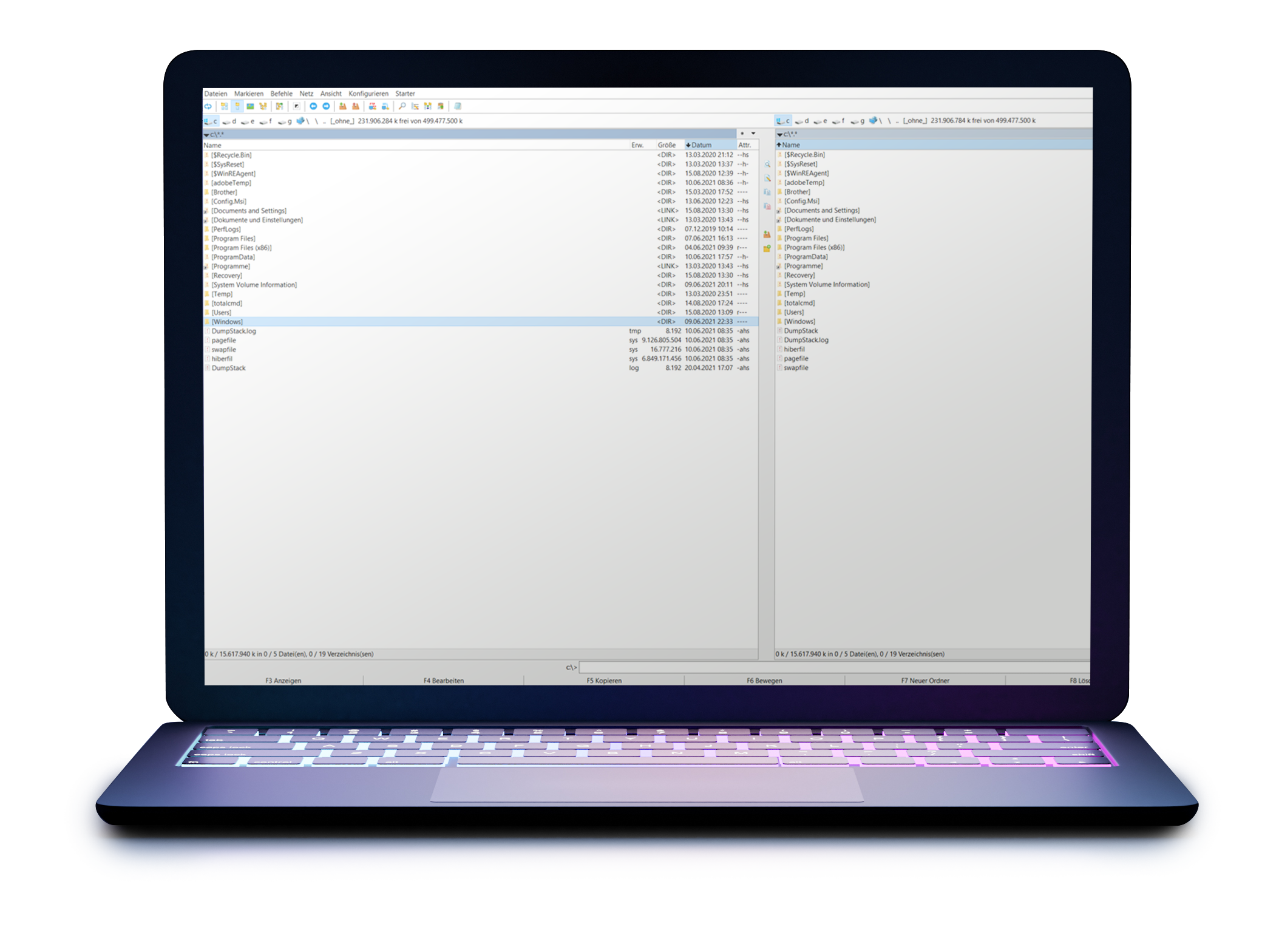
Ideal for power users and coders
For example, each of the almost infinitely available key combinations can be edited.
Extensions and endless plugins, such as Ext2+Reiser help access Linux drives under Windows, among other things. But also security relevant features like the generation of md5 checksums or the problem-free opening of IMG, MSI and PDF files have been thought of. These can be retrofitted via addon.
The internal viewer of Totalcommander is already groundbreaking in itself: arbitrarily large files can be displayed and searched in seconds. This is especially important for binary files (hex view), as well as especially large files.
The extremely efficient, natively integrated FTP client (including CHMOD) completes the offer and makes the program a useful tool for any professional web designer and programmer. The latter will not want to work without the two-window view, the numerous keyboard shortcuts or the useful utilities. Optional built-in thumbnail view allows you to view thumbnails in the item listing – handy for managing images and photos.
Total Commander
PROFESSIONAL FILE MANAGEMENT
User-defined columns, advanced search, regular expressions, and a multiple renaming tool help locate and manage large file dumps.
To open an archive, Total Commander sometimes starts an internal packer that opens the archive as if it were a normal directory. Currently the following archive types are supported: ZIP, ARJ, LZH, RAR, UC2, CAB, TAR, GZ, ACE. To be able to pack rar archives, Winrar must be installed and the rar.exe file must be referenced in the Total Commander settings. Zip archives, on the other hand, can already be packed in several compression levels ex works, as well as unpacked quickly.
Thanks to Double Commander, there is also a good alternative for Linux users.